Oil & Gas Inspection Software – The Complete 2026 Guide
Key Takeaways
- Oil and gas inspection software replaces paper forms and Excel trackers with one connected system for planning, running, and reporting inspections across rigs, pipelines, tanks, and equipment.
- The three biggest problems it solves: slow audit prep, unreliable field data, and delayed visibility into critical findings.
- Offline capability isn’t optional for this industry — most rigs and pipeline routes have no signal, so the software has to work fully offline and sync later.
- Teams switching from paper/Excel to digital inspection typically cut audit-prep time from days down to hours.
- Not every “inspection app” is oilfield-ready — configurable checklists, real-time alerts, and full audit trails are the features that separate purpose-built platforms from generic form builders.
If you run inspections in oil and gas — onshore, offshore, midstream, or downstream — the real problem usually isn’t finding issues in the field. It’s proving you found them, tracking what happened after, and doing all of that without fifteen different spreadsheets scattered across five different inboxes.
That gap is exactly what oil and gas inspection software is built to close.
This guide covers what the software actually does, what separates a good platform from a mediocre one, and how teams are using it to cut audit prep from days to hours. No jargon — just what matters when you’re the one choosing a system your field crews have to actually use.
What Is Oil and Gas Inspection Software?
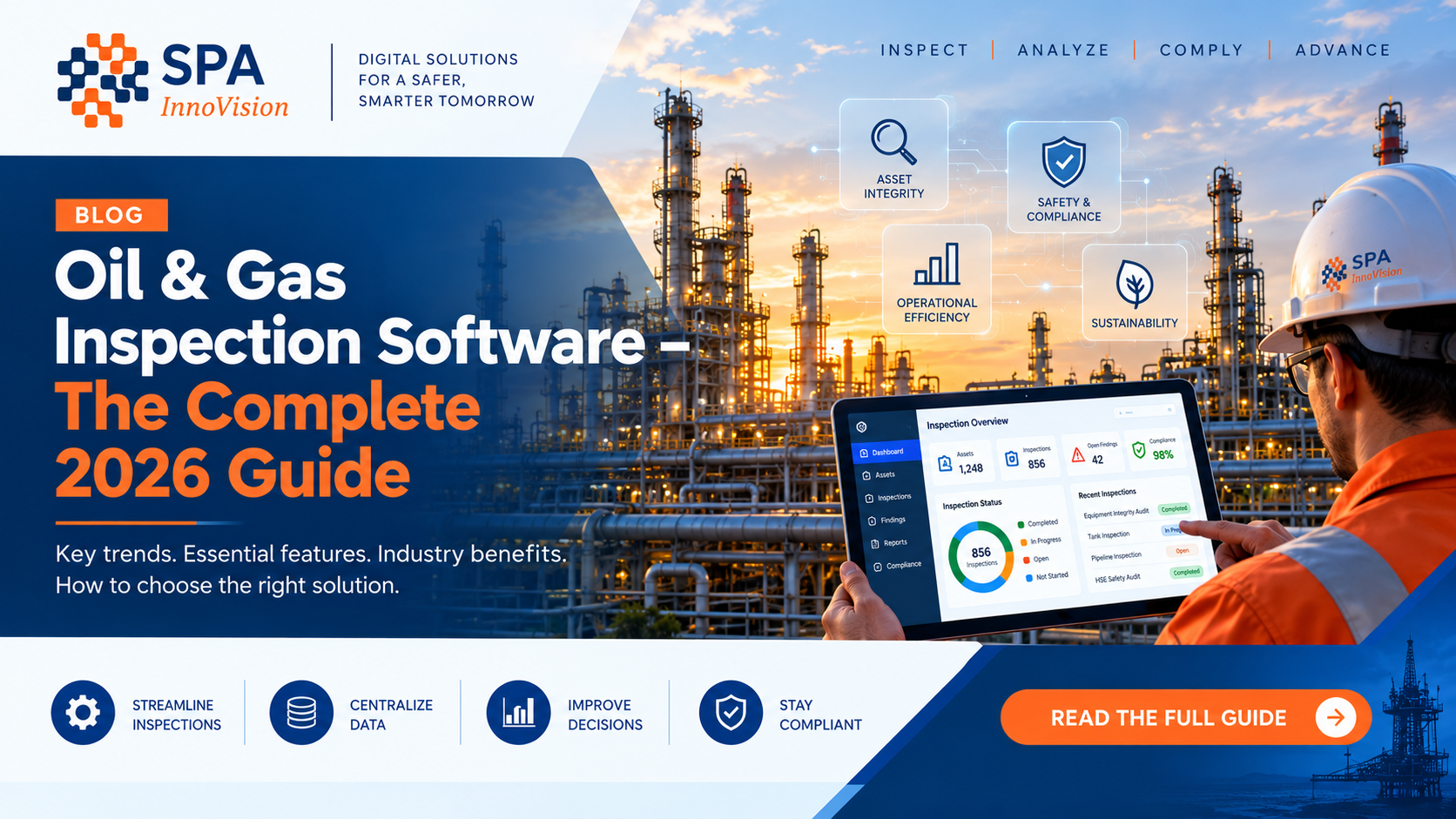
Oil and gas inspection software is a digital platform that replaces paper forms, Excel checklists, and scattered PDFs with one connected system for planning, running, recording, and reporting inspections across your assets — rigs, pipelines, tanks, wellheads, lifting equipment, and more.
Picture the old way: a technician fills out a paper form in the field, someone re-types it into a spreadsheet back at the office, and half the context (a photo, a specific measurement, an offhand comment about a corroded valve) gets lost somewhere in that handoff. Now picture the technician filling out a digital checklist on a tablet, often with no signal at all, and the data flowing straight into a finished report the second they’re back in range. That’s the difference.
Why Oilfield Teams Are Moving Away from Paper and Excel
Three problems come up again and again when we talk to inspection and HSE teams in oil and gas.
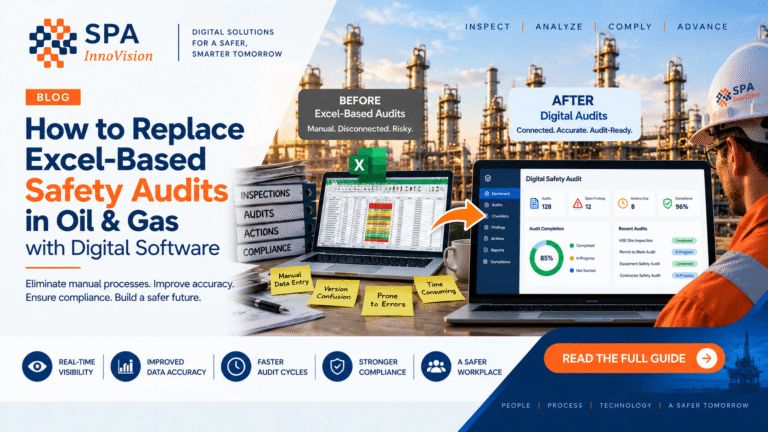
Audit prep takes forever. When inspection records live in scattered spreadsheets, shared drives, and paper binders, pulling together evidence for a regulatory audit or a client review can eat up an entire week. With a digital system, that same evidence is a filtered search away — usually under ten minutes.
Nobody fully trusts the data. Paper forms get filled out late, filled out from memory at the end of a shift, or filled out “for the file” rather than in real time on-site. That means safety decisions sometimes get made on records that don’t quite reflect what actually happened.
There’s no visibility until it’s too late. If an inspection flags a critical issue on a Tuesday and the report doesn’t land on the right desk until the following Monday, that’s a week you didn’t have. Digital inspection software pushes an alert the moment a critical finding is logged, not whenever someone happens to open the file.
What to Look for in Oil and Gas Inspection Software
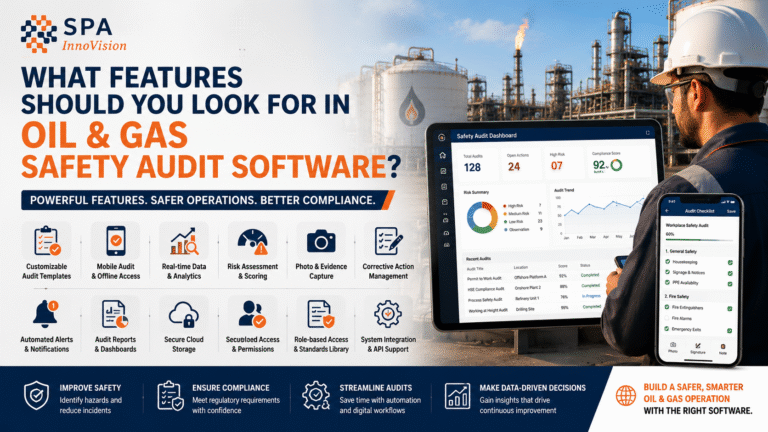
Not every inspection app is built for the realities of oilfield work. Here’s what actually matters when you’re comparing options:
Offline-first mobile capability. Rigs, remote pipelines, and offshore platforms don’t have reliable signal. The software needs to work fully offline and sync automatically the moment a connection is available — not just cache a page and hope for the best.
Configurable checklists and workflows. Every operator has different asset types, different regulatory requirements, and different internal SOPs. Good software lets your own team build and edit checklists without needing a developer on standby.
Automatic, audit-ready reporting. The point is to stop manually formatting reports. A finished platform generates a clean, shareable, timestamped report the moment an inspection wraps — photos, signatures, GPS location, all included.
Real-time alerts for critical findings. If a technician flags a failed pressure test or a corroded weld, the right supervisor should find out within minutes, not days.
Asset history in one place. Pull up any piece of equipment and see its entire inspection history — every checklist, every photo, every repair — instead of digging through five different folders.
Role-based access and a real audit trail. Regulators and clients want to know who inspected what, when, and whether a record was edited afterward. A proper audit trail, not just a “last modified” timestamp, protects your team.
Integrations that fit your existing stack. Inspection software should talk to your asset management, ERP, or safety systems — not become one more isolated silo of data nobody checks.
Keep it simple and let technicians focus on the critical work. Inspection software should be built keeping technicians in mind and not just a software to ease workflows. Easy to understand user experience, tools like Voice based test data capture as well as Intelligent document readers for technicians to be able to add inspection data easily without spending too much time on learning software.
Oil and Gas Inspection Software vs. Traditional Methods
| Paper / Excel | Digital Inspection Software | |
| Time to complete a report | Hours to days | Minutes |
| Offline field capability | Manual, error-prone | Built in, syncs automatically |
| Audit prep time | Days to weeks | Hours |
| Data accuracy | Depends on memory / re-entry | Captured live, on-site |
| Critical issue response time | Delayed by reporting lag | Real-time alert |
| Historical asset visibility | Scattered across files | Centralized and searchable |
Who Actually Uses This Software?
- HSE and compliance teams who need audit-ready records without chasing down paperwork
- Field inspectors and technicians running daily rig, pipeline, and equipment checks
- Asset integrity managers tracking the long-term condition of critical equipment — see our complete guide to asset integrity management for a deeper look at that side of the process
- Operations and maintenance planners who need inspection data to schedule repairs before failures happen
- Third-party inspection and NDT service providers who need to hand clients clean, professional reports
Where This Fits with Checklists and Lifting Equipment
Inspection software doesn’t exist in isolation — it usually sits on top of the checklists and equipment types your team already works with. Oil and Gas inspection ranges from Assets like Tanks, Pressure Vessels to Pipelines, Rigs, Pipings, Lifting equipment and others. If you’re still standardizing your checklist structure, our guide on what makes a strong inspection checklist is a good starting point. And if lifting gear is part of your asset mix, our lifting equipment inspection software guide goes deeper into that specific use case. For other assets, refer to our NDT application, InspectO covering various inspections and their checklists and formats
How SPA Innovision Helps
At SPA Innovision, we build inspection software specifically for industrial and oil and gas environments — including our flagship platform, InspectO, used by inspection teams to run digital, AI supported, offline-capable inspections across oilfield equipment, pipelines, rigs, lifting gear, and more.
Instead of forcing your team onto a generic template, we help you digitize your exact checklists and your exact reporting format, so the switch feels like an upgrade rather than a retraining exercise.
Frequently Asked Questions
What is the best inspection software for oil and gas facilities maintenance teams? It depends on your asset mix and team size, but look for offline mobile inspections, configurable checklists, automatic reporting, and real-time alerts for critical findings — all of which InspectO provides for oilfield and industrial teams.
Which inspection software tools work best for oil and gas facilities maintenance? Tools that pair mobile-first field inspections with centralized asset history tend to work best, since maintenance planning depends on seeing an asset’s full inspection record in one place instead of across scattered files.
Is there field inspection software built specifically for oil and gas operations? Yes. General-purpose inspection apps often miss oilfield-specific needs like offline connectivity in remote locations and configurable checklists for wellheads, pipelines, and lifting gear. Purpose-built platforms like InspectO are designed around those exact requirements.
How much does oil and gas inspection software typically cost? Pricing varies with user count, asset volume, and features needed. Most vendors price in tiers based on team size, so it’s worth requesting a demo to get a quote based on your actual inspection volume instead of a generic number.
Can oil and gas inspection software work without internet access in the field? Yes, and this is one of the most important things to check before buying. Proper oilfield inspection software works fully offline and syncs automatically once a connection is restored, so a remote rig or pipeline route is never a blocker.
Ready to Move Your Inspections Off Paper?
If your team is still juggling paper checklists, Excel trackers, or a handful of tools that don’t talk to each other, it’s costing more time every week than it looks like on the surface.
Book a free demo of InspectO with SPA Innovision → — we’ll show you exactly how your current checklists would look inside a digital, offline-ready inspection workflow.