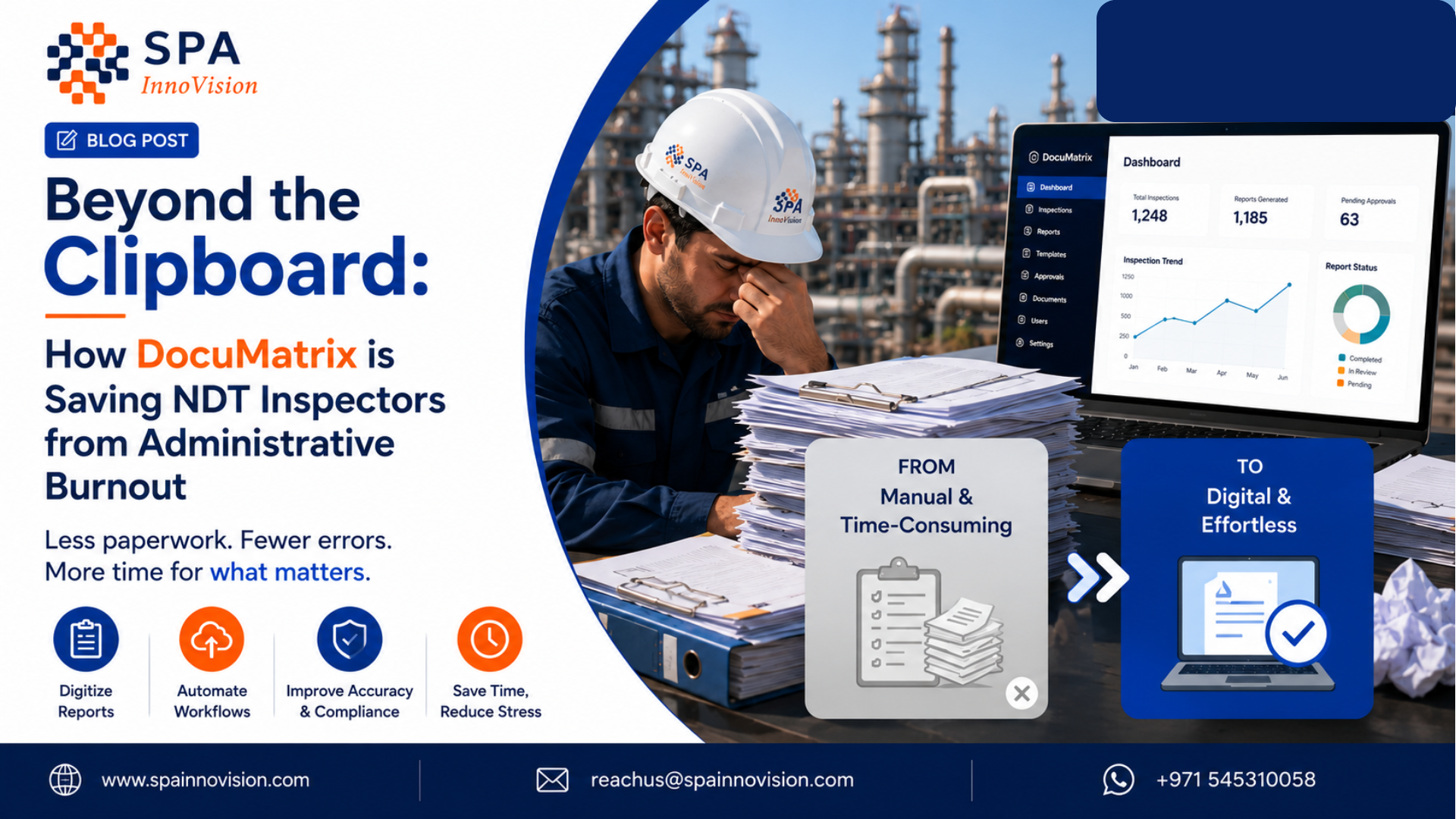
Beyond the Clipboard: How DocuMatrix is Saving NDT Inspectors from Administrative Burnout
Let’s be honest: nobody gets into Non-Destructive Testing (NDT) because they love typing numbers into spreadsheets.
Inspectors climb storage tanks, crawl through pipe racks, and spend hours in the field checking weld integrity and hunting for defects that could mean the difference between a safe structure and a disaster. That’s the real work. But at the end of a long, tiring shift, they face a much less glamorous opponent: the clipboard.
Every handwritten note has to be typed up later. Every scribble has to be turned into a “proper” report. It’s slow. It’s boring. And it’s exactly where mistakes creep in.
This is the story of three people who deal with that pain every day — and how DocuMatrix changes things for each of them.
Meet the People Behind the Paperwork
🧑🔧 Rajesh, the Field Inspector
Rajesh has been doing Ultrasonic Testing for eight years. He’s good at his job — steady hands, sharp eyes, knows a bad weld when he sees one. But by 6 PM, after eight hours on-site, his least favorite part of the day begins: sitting down and re-typing everything he wrote on paper into a spreadsheet.
What changes for Rajesh: Instead of carrying that paperwork home (or staying late at the office), Rajesh just takes a photo of his handwritten sheet on his tablet. DocuMatrix reads it, understands it’s an Ultrasonic Testing report, and pulls out all the readings — thickness values, flaw locations, transducer frequency — into a neat digital table.
He glances over it, fixes a smudged number here and there, and hits Sync. Done. He’s out the gate ten minutes after his last test, not two hours after.
“I didn’t become an inspector to be a data entry clerk. Now I’m not one.” — the kind of thing Rajesh would say if you asked him.
🗂️ Priya, the Project Coordinator
Priya sits in the office and is the person clients call when they want to know: “Where’s my report?”
Before DocuMatrix, her day involved chasing five different inspectors for their field notes, waiting for someone to type them up, checking for errors, and only then compiling the final client-ready report — sometimes two or three days after the actual test.
What changes for Priya: The moment Rajesh hits Sync out in the field, the structured data lands directly in the central system. Priya doesn’t have to chase anyone. The report — clean, formatted, standardized — is already sitting in front of her, often before the inspector has even left the site.
She spends her time now on client relationships and scheduling, not on being a human tracking system for missing paperwork.
🏢 Vikram, the Client (Plant Manager)
Vikram runs a petrochemical facility and needs to know, fast, if any weld or pipe section is showing signs of trouble. In the old world, he’d wait days for a report, and even then, it was a static PDF — good for filing, useless for spotting patterns.
What changes for Vikram: He gets his inspection report the same day, sometimes within the hour. But more importantly, because the data behind that report is structured (not just a scanned image), he can ask real questions: “Show me every weld inspected this year with thickness below spec.” That kind of query used to be impossible. Now it’s a few clicks.
When it’s audit season, Vikram isn’t scrambling through file cabinets. Everything is searchable, traceable, and ready to show an auditor in seconds.
So What Is DocuMatrix, Really?
In simple terms: it’s a tablet feature that turns a photo of a handwritten or typed inspection report into clean, structured digital data — without anyone re-typing a single number.
Here’s how it works in three steps:
- Snap and Upload — After finishing a test, the inspector takes a photo of the field report (handwritten or typed) and uploads it.
- Process the Document — They pick the test type — Ultrasonic, Magnetic Particle, Radiographic, whatever it was — and hit Process. DocuMatrix reads the document and organizes the data into a structured table behind the scenes.
- Review and Sync — Nothing is left to blind trust. The inspector sees an editable table right there on the tablet, fixes anything that looks off, and hits Sync. The database updates instantly, and a polished, official report is generated automatically.
No laptop needed. No re-typing. No waiting.
Why This Actually Matters (Not Just “Efficiency”)
It’s easy to throw around words like “90% reduction in admin work,” but here’s what it really means for the people involved:
- For inspectors like Rajesh: hours back in their evenings, less eye strain from re-reading their own messy handwriting, fewer chances of getting blamed for a typo they didn’t even know they made.
- For coordinators like Priya: no more chasing people down, no more “where’s the report” emails, more time actually helping clients instead of playing paperwork detective.
- For clients like Vikram: faster answers, safer decisions, and a paper trail (well, a digital one) that holds up when regulators come knocking.
And there’s a bigger picture benefit too: because every report now lives as structured data instead of a flat PDF, companies can start spotting trends — which pipes are corroding faster, which welds keep showing up as borderline, which sites need more frequent checks. That’s the beginning of real predictive maintenance, not just record-keeping.
The Bottom Line
DocuMatrix isn’t really about “digitizing paperwork.” It’s about giving time back to the people who need it most — the inspector who wants to go home on time, the coordinator who’s tired of chasing signatures, and the client who just wants a straight answer about whether their equipment is safe.
By quietly handling the boring, error-prone part of the job, DocuMatrix lets everyone focus on what actually matters: keeping infrastructure — and the people around it — safe.