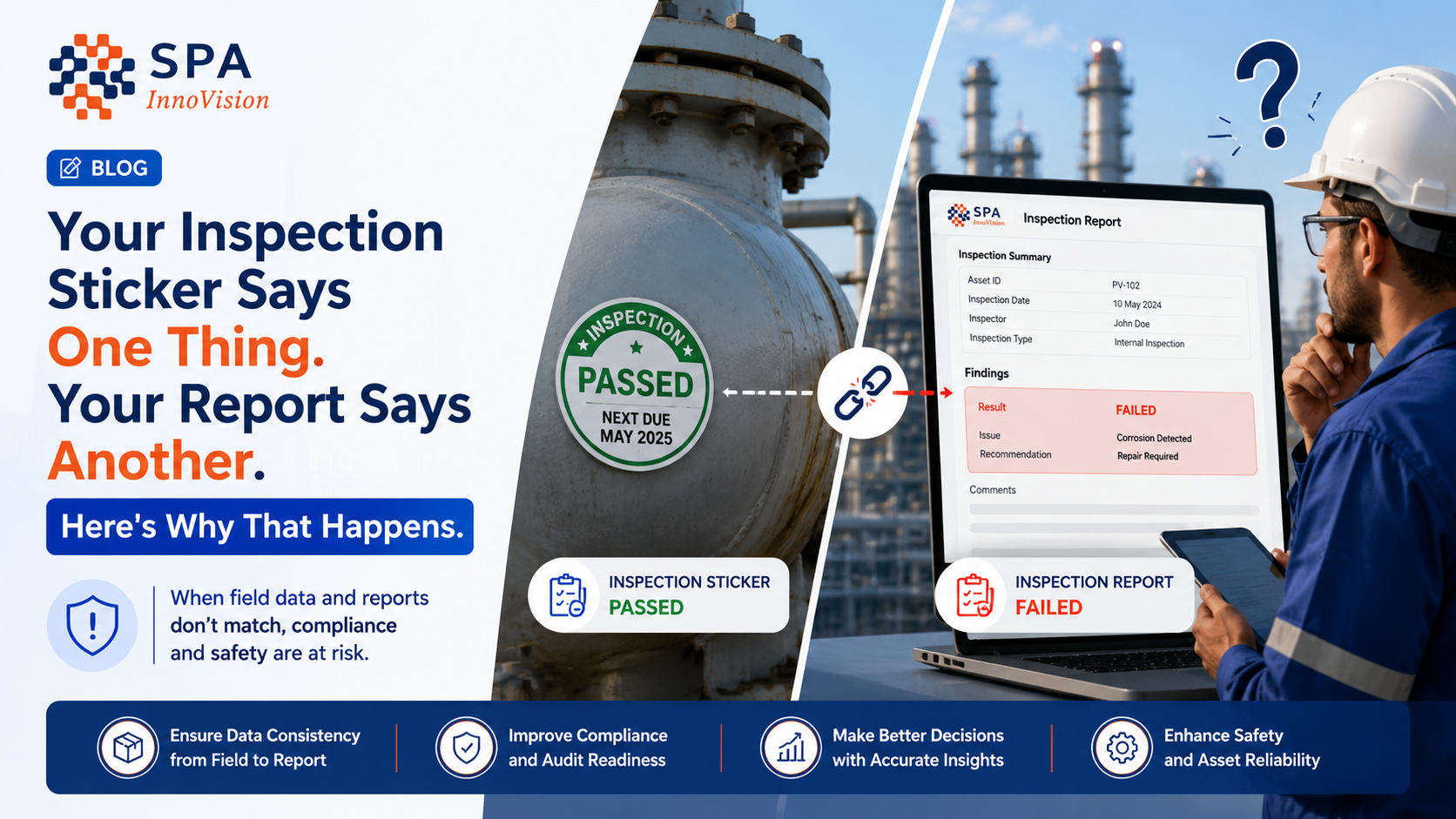
Your Inspection Sticker Says One Thing. Your Report Says Another. Here’s Why That Happens
An equipment inspection sticker is often the first thing operators check before using lifting equipment. A simple color—white for approved or red for rejected—helps teams make quick decisions on-site.
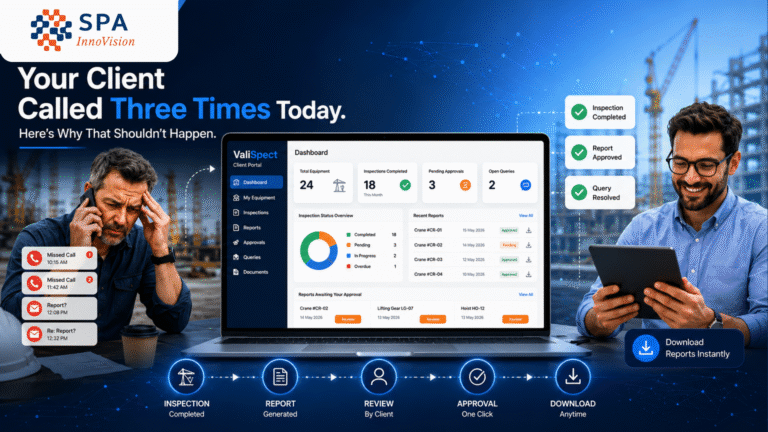
But what happens when the inspection sticker says one thing while the inspection report says another?
A crane fails inspection. The report clearly marks it as Rejected. Yet someone accidentally applies a white sticker instead of a red one. The next operator sees the sticker, assumes the crane is safe, and proceeds with the lift.
No one intended to create a hazard. The inspection was completed correctly. The report was accurate. The only failure was the disconnect between the inspection report and the sticker.
That small gap can become a significant safety and compliance risk.
Key Takeaways
✔ Equipment inspection stickers should always match the inspection report.
✔ Manual sticker assignment increases the risk of incorrect equipment status.
✔ Inspection management software automates the inspection sticker workflow to eliminate human error.
✔ QR code verification enables instant sticker status checks directly from the equipment.
✔ An integrated equipment tagging system improves safety, compliance, and audit readiness.
Table of Contents
- Why Sticker Mismatches Happen
- Risks of Manual Inspection Sticker Workflows
- How Automation Solves the Problem
- QR Code Verification
- Why ValiSpect Works
- Frequently Asked Questions
- Conclusion
Why Sticker Mismatches Happen
The problem isn’t usually the inspector.
It’s the process.
In many organizations, inspections and sticker management happen separately.
The workflow often looks like this:
- Inspector completes the inspection.
- Office prepares the report.
- Another employee selects a sticker.
- Sticker is applied manually.
- Nobody verifies that the sticker matches the final report.
Even experienced teams can make mistakes when these steps are disconnected.
Common Causes
| Situation | Risk |
| Wrong sticker selected | Unsafe equipment appears approved |
| Sticker applied to wrong asset | Incorrect equipment identification |
| Cancelled sticker reused | Invalid inspection status displayed |
| Report updated after sticker application | Sticker no longer reflects actual inspection result |
These aren’t individual mistakes—they’re process gaps.
Why This Matters
An inspection sticker isn’t just a label.
It communicates safety information to everyone on-site.
Operators, supervisors, auditors, and clients all rely on that sticker to make decisions.
If it displays incorrect information, people may unknowingly operate unsafe equipment or fail compliance audits.
That’s why the inspection sticker should never function independently from the inspection report.
How Inspection Management Software Eliminates Sticker Errors
Instead of allowing someone to manually choose a sticker, modern inspection management software automatically links the inspection result to the sticker.
The workflow becomes simple.
| Inspection Result | Sticker Status |
| Accepted | White / Active |
| Rejected | Red / Rejected |
| Pending | Awaiting Report |
| Cancelled | Inactive |
Nobody has to remember which sticker belongs to which report.
The system makes that decision automatically.
Whether the sticker is printed after the inspection or assigned beforehand, the report, sticker number, and equipment record remain connected throughout the process.
QR Code Verification Adds Another Layer of Safety
Color alone isn’t always enough.
A sticker may appear valid but could actually be expired, cancelled, or linked to the wrong equipment.
With QR code verification, anyone can scan the sticker using a smartphone and instantly view:
- Active, Expired, or Cancelled status
- Accepted or Rejected inspection result
- Equipment information
- Inspection history
- Linked inspection report
No app.
No login.
No phone call to the office.
Just an instant sticker status check that confirms whether the equipment is safe to use.
Manual vs Automated Inspection Sticker Workflow
| Manual Process | Automated with ValiSpect |
| Manual sticker selection | Automatic sticker assignment |
| Paper records | Digital inspection reports |
| Human verification | QR code verification |
| Risk of mismatches | Report and sticker always synchronized |
| Time-consuming audits | Complete digital audit trail |
Why Companies Choose ValiSpect
ValiSpect is more than a sticker printing solution.
It is a complete inspection management software designed for lifting equipment inspection and asset compliance.
ValiSpect connects:
- Inspection reports
- Equipment records
- Equipment inspection stickers
- QR code verification
- Equipment tagging system
- Digital audit history
This ensures every inspection sticker accurately reflects the latest inspection result.
Instead of relying on manual processes, organizations can standardize inspections, improve compliance, and reduce operational risk.
Frequently Asked Questions
Why do equipment inspection stickers sometimes not match inspection reports?
Because reports and stickers are often managed separately, allowing manual errors during sticker selection or application.
What is an equipment tagging system?
An equipment tagging system assigns a unique identity to every asset, connecting inspection reports, maintenance records, and inspection stickers.
How does QR code verification improve safety?
It allows users to instantly verify the sticker’s real-time status, inspection result, and associated equipment using a smartphone.
Can inspection management software prevent sticker mismatches?
Yes. By automatically linking inspection reports, equipment records, and inspection stickers, the software eliminates manual sticker assignment errors.
Which industries benefit most?
Industries performing lifting equipment inspections, construction, manufacturing, logistics, mining, oil & gas, utilities, and industrial maintenance.
Conclusion
An equipment inspection sticker should never tell a different story than the inspection report behind it.
When inspection reports, equipment records, and stickers are managed separately, small mistakes can create significant safety and compliance risks. By integrating your inspection management software, equipment tagging system, inspection report software, and QR code verification, every inspection result remains accurate, traceable, and easy to verify.
Whether you’re managing lifting equipment inspections, industrial assets, or compliance programs, eliminating sticker mismatches improves operational efficiency, strengthens safety, and builds confidence during audits. A connected inspection sticker workflow ensures the information visible on the equipment always reflects the truth recorded in your inspection report.
Ready to Modernize Your Inspection Process?
Stop relying on manual sticker management.
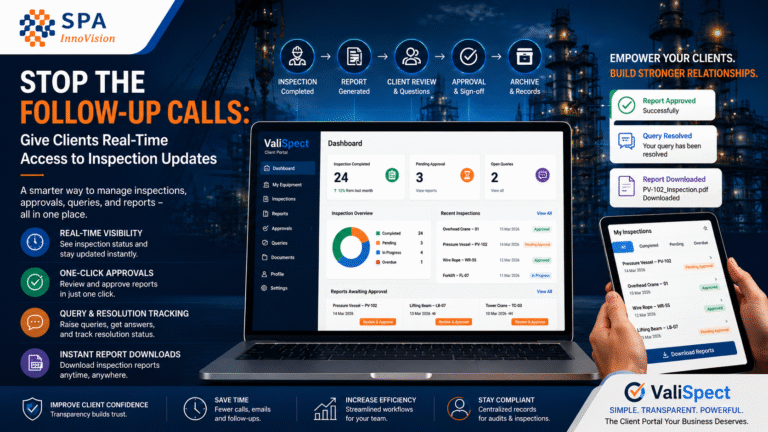
With ValiSpect, you can automate inspection reporting, synchronize equipment inspection stickers with inspection results, enable QR-based verification, and maintain a complete digital audit trail—all from a single inspection management platform.
Book a demo today and discover how ValiSpect simplifies inspection compliance while reducing manual errors.
About SPA Innovision
SPA Innovision is a technology company specializing in digital inspection, compliance, and asset management solutions. Its flagship platform, ValiSpect, helps organizations streamline lifting equipment inspections, automate inspection reporting, manage equipment tagging systems, and improve safety compliance through intelligent workflows and QR-enabled verification.
Whether you’re replacing paper-based inspections or enhancing an existing inspection process, SPA Innovision delivers scalable solutions that improve accuracy, compliance, and operational efficiency.