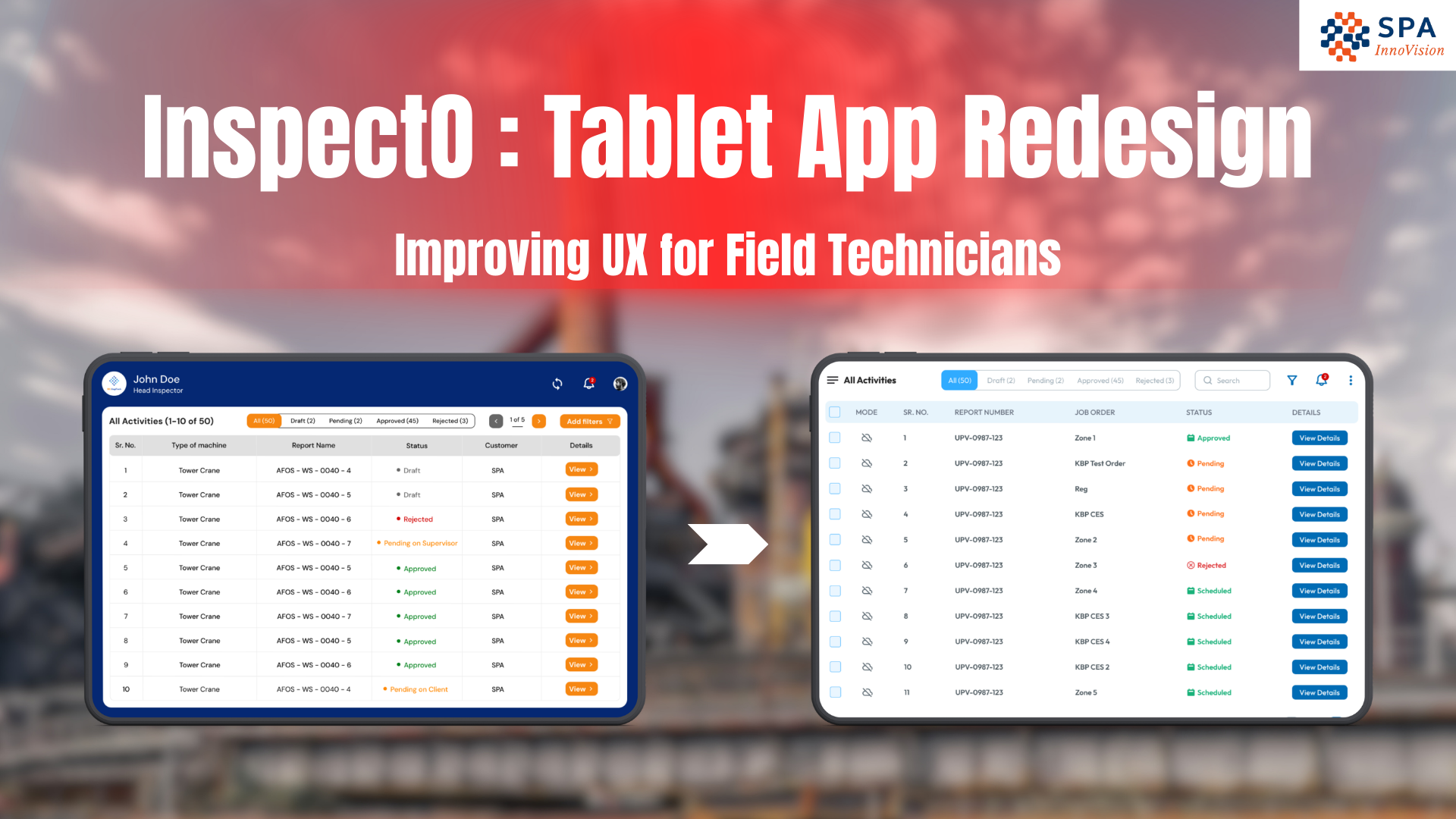
InspectO Tablet App Redesign: Why We Rebuilt the UX for Field Technicians
Introduction: How we transform experience for On-Site technicians
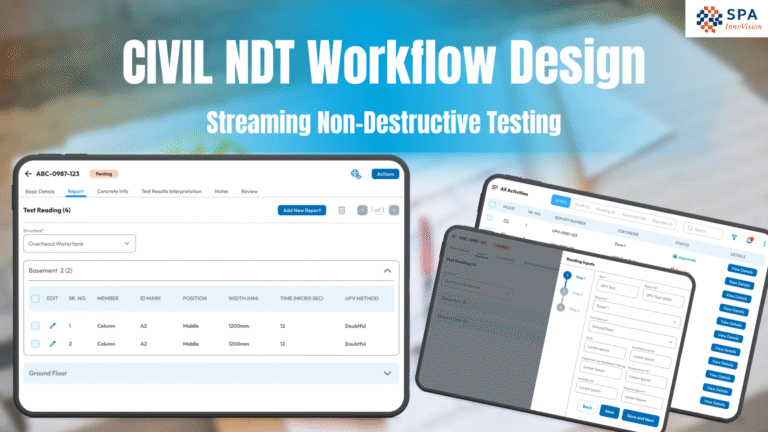
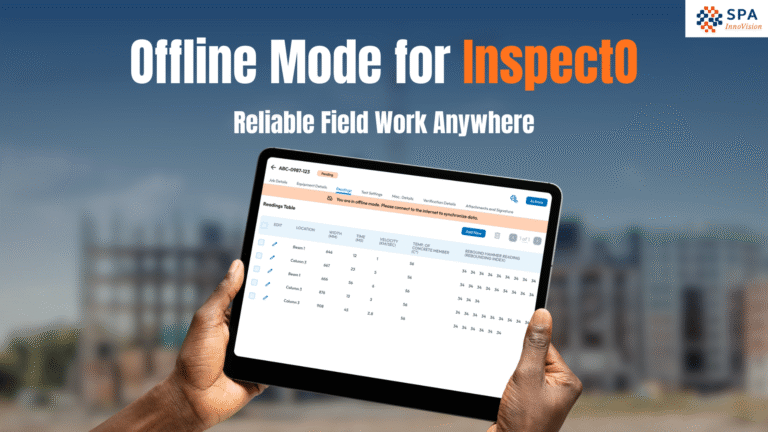
InspectO Tablet App is designed for technicians, testers and other inspectors who work on-site and perform various inspections, testing and reading. Mostly, much of the work is done using manual paper forms, job sheets, and handwritten notes.
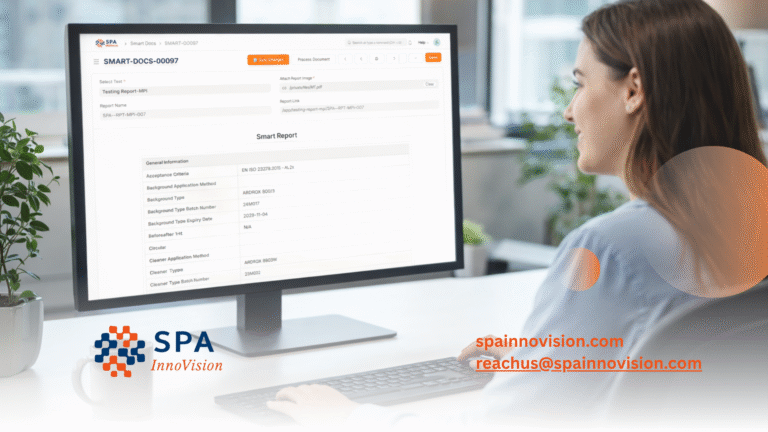
The goal of InspectO is to reduce manual effort for inspectors, technicians, and QA/QC teams by replacing paper-based processes with a structured, cloud-based inspection management platform. Through its field-ready tablet application, users can conduct digital NDT inspections, real-time data capture, compliance reporting, and asset inspection workflows directly on-site. Instead of managing scattered paperwork and manual logs, InspectO enables streamlined inspection workflows, audit-ready documentation, and centralized inspection data management, improving efficiency, accuracy, and operational visibility across projects.
However, as the first version of the product matured, we noticed key usability issues that impacted
adoption and efficiency – which led to a full UI/UX redesign.
Why the first version needed a redesign
The initial version of InspectO was functional, but it isn’t optimized for real field usage. Technicians often work under pressure, with limited time and many are not highly tech savvy users. This means the app must be clear, fast and easy to understand without training.
Top problems in the older InspectO version
We did a UX Study to find the top most problems in the older version of InspectO :
1. Confusing User Flow -> Users often felt unsure about what to next, even though app was technically correct and functional.
- Too Many Steps -> Simple actions required multiple screens and related navigation, increasing time and effort.
- High Cognitive Load -> The UI required too much reading, remembering and interpreting which is a major issue for non tech savvy users.
- Heavy and Cluttered UI -> Because these type of reports have lots of data the UI feels dense and overwhelming, especially for long inspection workflows.
UX Goals for the redesign
The redesign was guided by 3 main UX outcomes:
- Reduce Cognitive Load
- Clean up the UI
- Improve the overall UX
High level improvements in the new design
Without overcomplicating the system, the redesign focused on core usability improvements such as:
- Better information hierarchy
- Cleaner layout for inspection screens
- Simplified report creation flow
- Reduced clutter and more visual breathing space
- A scalable UI system for future workflows
What’s Next
InspectO Tablet App is currently designed for technicians and testers. In the future, the platform can expand to support admin workflows and additional roles based on evolving requirements.
How We Can Help
This is exactly where SPA InnoVision can support your business.
With InspectO, our trusted digital suite for testing, inspection, and certification, we help TIC providers and industrial companies digitize non-destructive testing workflows, improve reporting accuracy, and maintain full compliance—all from one powerful platform.
If you’re ready to eliminate paper-based inspections and improve your NDT operations, we’re here to help.
Contact us or book a demo to see how InspectO can simplify your non-destructive testing and inspection reporting.